5 Best Auto Feed Paper Shredders
From leading brands and best sellers available on the web.By clicking on a link to a third party's website, log data is shared with that third party.
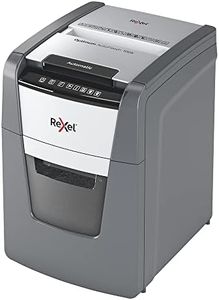
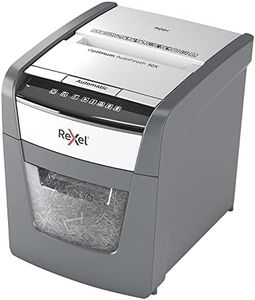

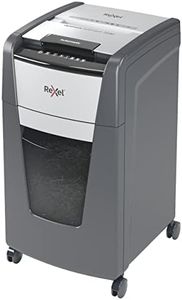
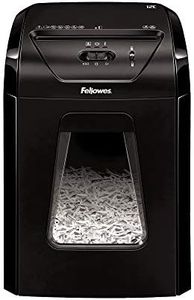
Buying Guide for the Best Auto Feed Paper Shredders
Shopping for an auto-feed paper shredder can feel overwhelming with all the models and features available, but breaking things down into a few key specifications makes it much easier. The most important thing is to consider what documents you need to shred, how much you need to shred at once, and how often you’ll use the shredder. Think about your workspace, your security concerns, and how much time you want to spend feeding paper. With those needs in mind, looking at the right specs will help you choose a shredder that fits your personal or office situation perfectly.Sheet CapacitySheet capacity tells you how many sheets of paper the shredder can accept and shred at one time, especially when using its auto-feed tray. This is important because it directly impacts how much time and effort you need to spend loading the machine. Shredders can range from handling a handful of sheets at once to hundreds. Small capacity (about 30-50 sheets) is good for personal or occasional use, while medium (over 50 up to 150) suits small offices, and large capacity (150-300+ sheets) is for heavy-duty or shared business environments. Choose a capacity based on how much paper you generally need to shred in one go—if you’re often clearing out lots of documents, a higher capacity will be worth it.
Shred Type (Cut Type)The shred type specifies how the shredder destroys your documents—usually strip-cut, cross-cut, or micro-cut. This is important for security: strip-cut shreds paper into long strips and is the least secure, cross-cut chops it into small diamond or confetti shapes, and micro-cut slices paper into tiny pieces for the highest level of confidentiality. If you only need to shred general paperwork, strip-cut may be enough, but for sensitive or personal information, cross-cut or even micro-cut is better to ensure documents can't be reconstructed. Let the kind of information you handle determine the cut type you need.
Run Time and Cool Down TimeRun time tells you how long a shredder can operate before it needs to cool down, while cool down time is how long you have to wait before you can start shredding again. This is important for productivity—short run times (5-10 minutes) are fine for light, occasional use, but if you need to shred piles of paper at once, aim for units with longer run times (20-60 minutes or more) and shorter cool down periods. Assess how much you want to shred in a single session to guide your choice.
Bin SizeBin size is the amount of shredded paper the machine can hold before you need to empty it. This matters because a small bin will fill up fast, interrupting your workflow, especially if you're shredding a lot in one go. Bins range from under 4 gallons (good for personal use) to over 10 gallons (better for office use). If you don't want to empty the bin frequently, a larger bin is best—think about how much you’ll be shredding day to day.
Auto-Feed vs. Manual FeedAuto-feed function means you can stack a pile of papers in the tray and let the machine pull them in by itself, while manual feed slots are for feeding individual sheets or items one at a time. Auto-feed is convenient when you have big stacks, but you may still occasionally need to use manual feed for things like envelopes or thicker materials. If you often have large batches, prioritize a reliable auto-feed. If shredding is occasional or small-scale, you may not need a huge auto-feed capacity.
Jam Prevention FeaturesJam prevention or anti-jam features help the machine handle paper jams more efficiently by automatically reversing or stopping the shredding process. This is important for hassle-free operation, as clearing jams can be frustrating and time-consuming. If you want a smoother, more reliable shredding experience, especially with large loads or mixed paper, look for anti-jam capabilities.
Noise LevelNoise level refers to how loud the shredder is during operation, generally measured in decibels. This can be important if you work in a quiet home or office or will frequently use the shredder. Lower noise levels (under 60 decibels) are less disruptive. If a quiet environment is important to you, check this spec or look for models labeled as silent or ultra-quiet.